
Flexible expansion
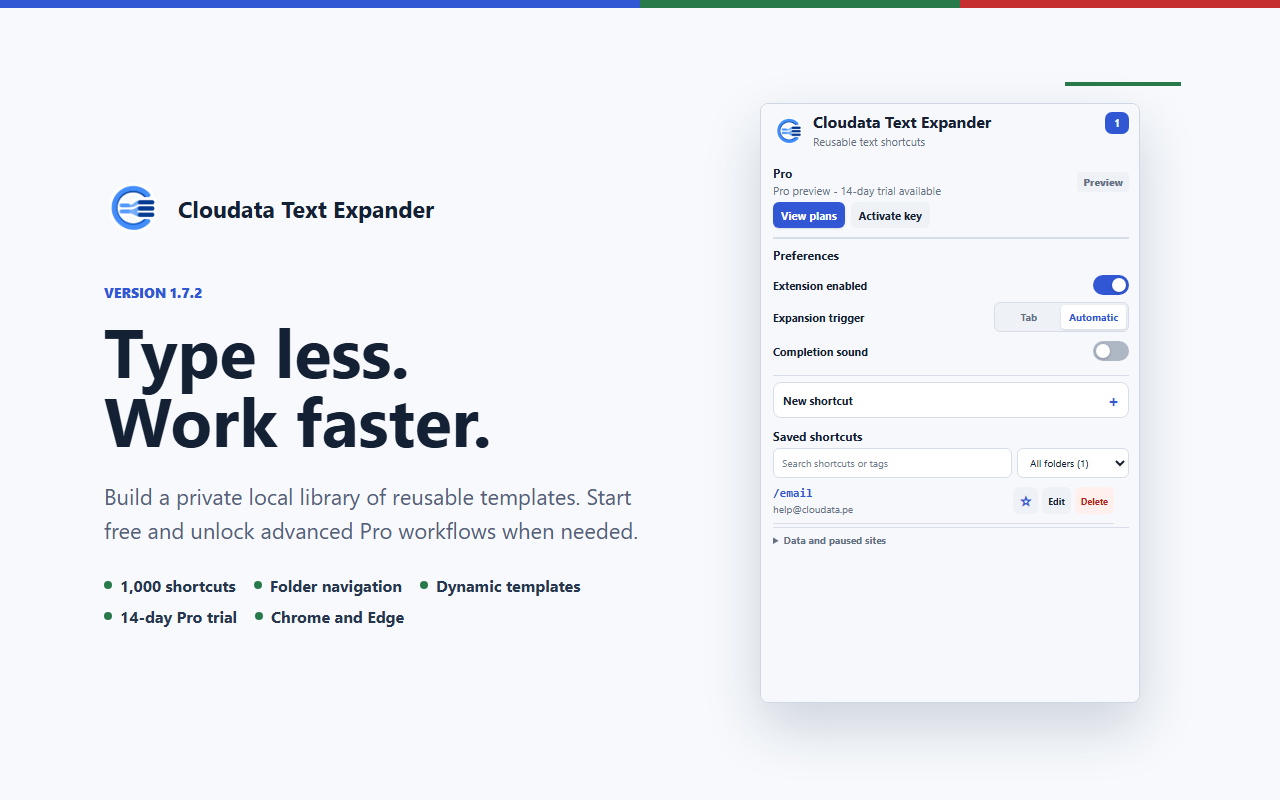
Choose Tab confirmation or automatic expansion. Only newly typed characters trigger a match, and immediate undo restores the shortcut.
 Browser extensionVersion 1.7.2
Turn short, memorable commands into complete responses, reusable templates, and rich text in supported website fields.
Capabilities
Each extension solves a specific workflow while keeping setup, control, and data handling easy to understand.
Choose Tab confirmation or automatic expansion. Only newly typed characters trigger a match, and immediate undo restores the shortcut.
Use formatting, links, dates, times, cursor placement, clipboard text, fill-in fields, and controlled choices.
Manage folders, tags, favorites, search, pagination, and JSON or CSV import and export.
Pause individual sites, disable expansion globally, choose a completion sound, and keep password fields excluded.
Simple workflow
Define a memorable shortcut and the text or template it should insert.
Use Tab for confirmation or Automatic for immediate exact-match expansion.
Enter the shortcut in a supported field and continue working with the generated text.
Security and privacy
The extension follows Manifest V3 practices and limits data handling to what its purpose requires.
Plans
Launch pricing. Pro includes a 14-day trial. Applicable taxes are calculated at checkout.
Start without a payment method.
Flexible monthly access to every current Pro capability.
The complete Pro experience with the strongest annual value.
Planned for organizations that need centrally managed shared content.
Product questions
Turn short, memorable commands into complete responses, reusable templates, and rich text in supported website fields.
Cloudata Text Expander supports Chrome + Edge, Manifest V3, Local-first.
Shortcut mappings remain in extension-only local storage and are not sent to Cloudata or Google Sync. Password fields are excluded; clipboard permission is optional and requested only for its template variable. Packaged Manifest V3 code and allowlisted rich-text sanitization reduce injection and remote-code risk.
Create consistent replies, templates, and recurring text without giving up local control.